

Need More Help?
1) What's my Maverick ID?
Your Maverick ID was sent to you via text message. It should be in the form of FirstName.LastName@maverickusa.com
2) What if I already have the Microsoft Authenticator app?
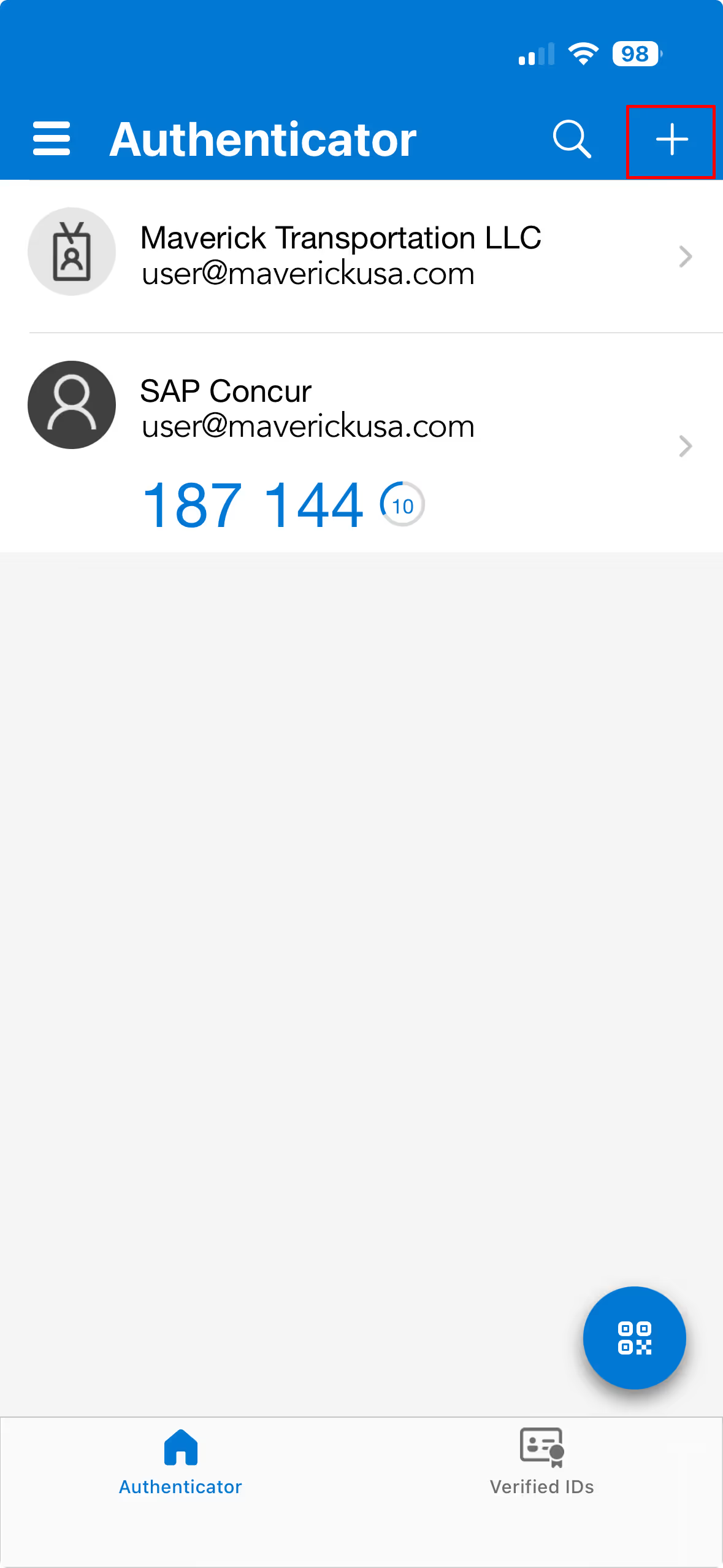
Select the "+" sign at the top right of the app and follow the directions for "Work or School Account" to set up your Maverick ID.
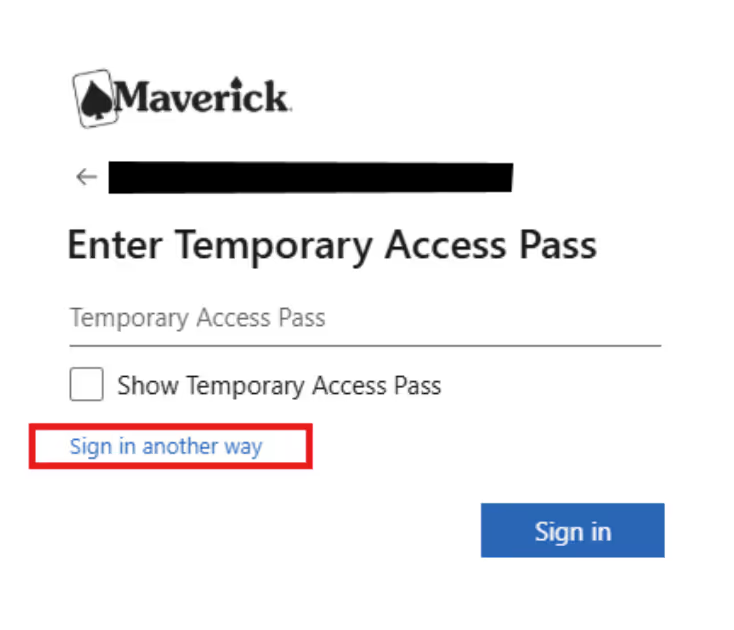
3) Workday is requesting my Temporary Access Pass - what do I do?
Select "sign in another way" at the bottom of the login window.

↓